MyNovelty's primary workspace is the web app at mynovelty.io β open it in any browser and start analyzing. If you prefer Arena, CuteChess, BanksiaGUI, or another desktop GUI, the UCI bridge lets that tool connect to MyNovelty's cloud engine. Same depth, same models β your interface.
π±Mobile App
Analyze positions, drill your repertoire with spaced repetition, watch live broadcasts β all on your phone.
Cloud + local StockfishOffline repertoiresBroadcast viewerSpaced repetition training
Coming Soon
ο£ΏApp StoreβΆGoogle Play
iOS and Android. Currently in development β check back soon.
βUCI Bridge β connect your desktop GUI to the cloud engine
MyNovelty's cloud engine speaks UCI β the protocol every serious chess GUI already understands. Download the bridge binary, register it as a UCI engine in your GUI the same way you would add Stockfish locally, sign in once, and from that point your GUI is running Stockfish 18 on 32 dedicated vCPUs in the cloud. The bridge is not an application you manage. It is a connector β a thin file that routes your GUI's engine calls to MyNovelty's cloud.
Works with your GUI
ArenaCuteChessBanksiaGUIChessBase / FritzAny UCI-compatible GUI
Works with Arena, CuteChess, BanksiaGUI, Fritz, and any UCI GUI32 vCPU Stockfish 18 + LC0Single binary β no installer, no daemonOne-time sign-in, then transparent
Your GUI (Arena / CuteChess / BanksiaGUI / Fritz) ββUCIβββΈ mynovelty-bridge ββHTTPSβββΈ MyNovelty cloud βββΈ Stockfish 18 + LC0
Connect your GUI in 3 steps
1Download the bridge binary
Download the single-file binary for your OS using the button above. Save it anywhere you can easily find it β a folder like ~/Engines/ works well. No installer, no setup wizard.
2Register it as a UCI engine in your GUI
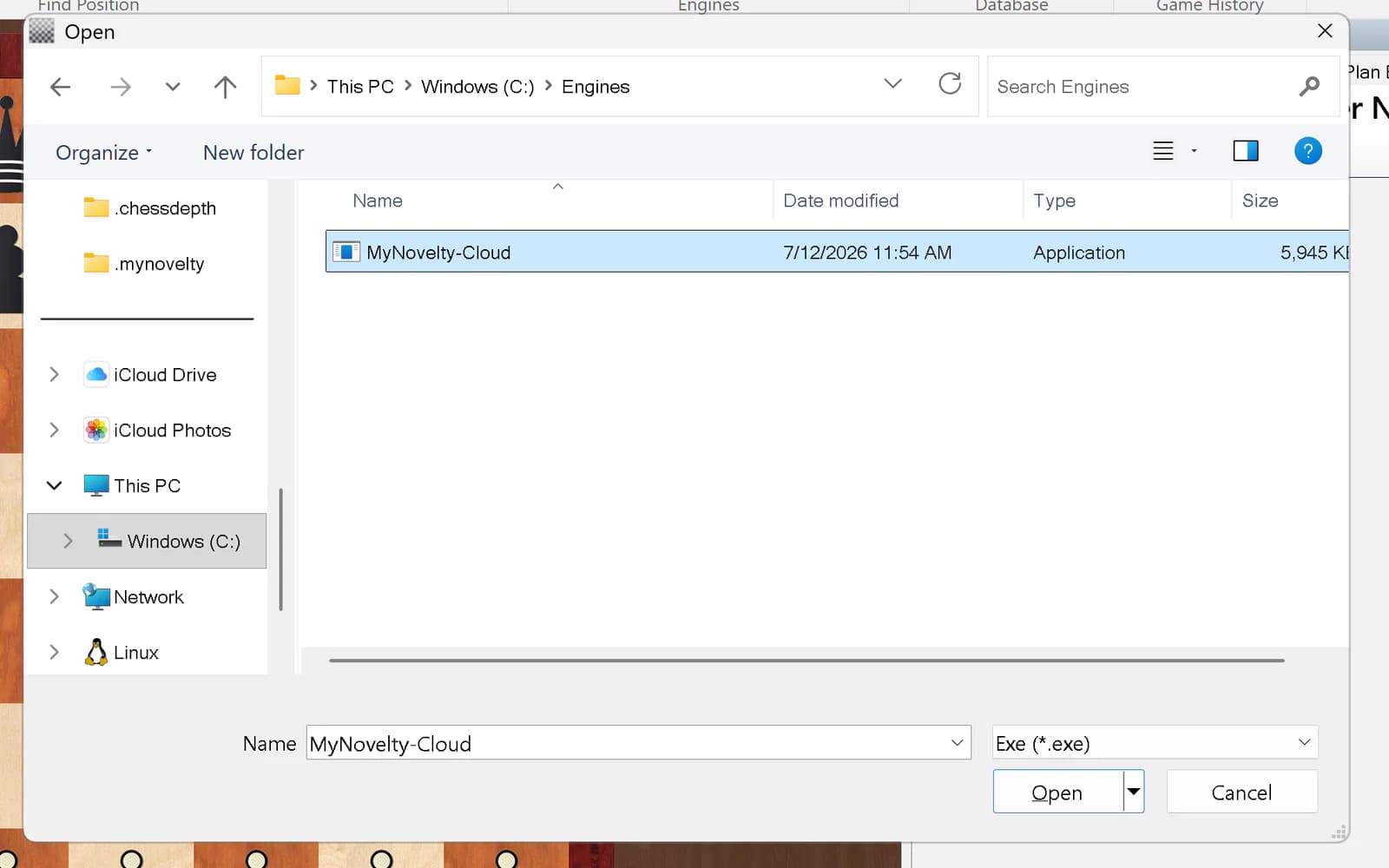
In your chess GUI, go to the engine manager (the exact path varies by GUI): Arena: Engines β Manage Engines β Add β CuteChess: Edit β Engines β Add Engine β BanksiaGUI: Engines β Add Engine β Fritz/CB: Home β Engines β Create UCI Engine. Browse to the downloaded file. Save. The bridge now appears in your engine list.
3Sign in once
The first time your GUI activates the bridge, your default browser opens to mynovelty.io for a one-time authorization. Log in (or create a free account), approve the connection, close the browser tab. From that point on, your GUI connects to the cloud engine automatically β no further sign-in needed.
Engine options
MultiPVNumber of candidate lines shown (1β5)
Use NNUEToggle Stockfish neural-network evaluation (default: on)
Stop SessionTerminate the cloud engine and free resources
Troubleshooting
Browser doesnβt openVisit mynovelty.io/cli-auth manually, authorize, then restart the engine in your GUI.
create session failed (401)API key is invalid β delete ~/.mynovelty/config.json and re-authorize.
Windows Defender blocks the .exeClick "More info β Run anyway". The binary is open source.
Engine shows as offline in my GUIMost chess GUIs only connect to a registered engine when you open an analysis position or explicitly activate the engine. This is normal UCI behavior β the bridge only runs when your GUI requests it.
Not using a desktop GUI? The web app is the full MyNovelty workspace.
No download needed β open
mynovelty.io in any modern browser and you have cloud Stockfish, LC0, MinoDB game search, repertoire, and live broadcasts. The UCI bridge is for users who prefer to stay in their existing desktop GUI.